Everything you need to get up and running in under an hour.
Whether you’re getting organised, attracting new customers or growing sales, we’ll guide you every step of the way.
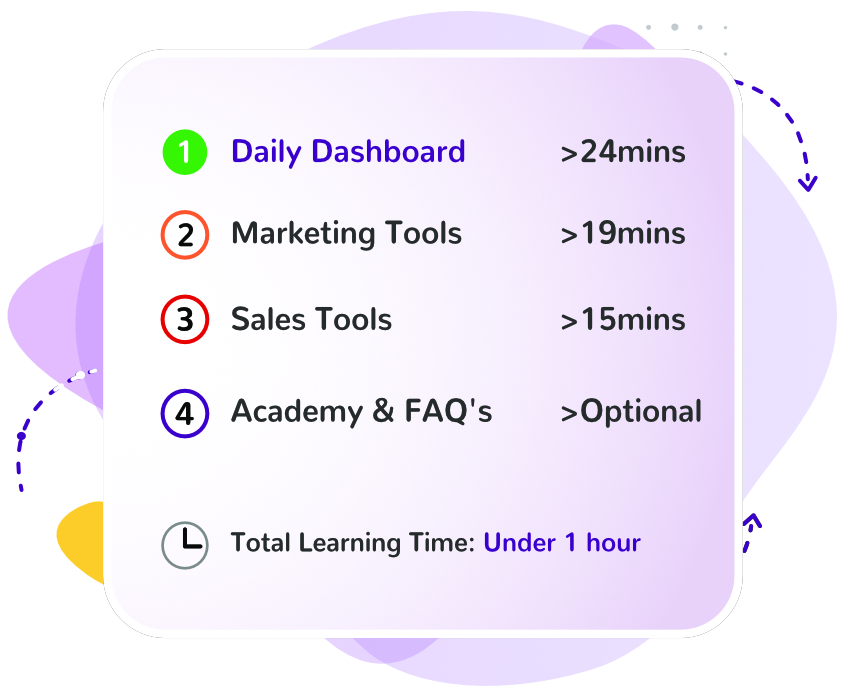
Click on a topic below and learn at your own pace with our bite-sized videos.

Start with these bite-sized videos to learn the essentials. Looking for something specific? Checkout our FAQ’s for quick answers and step-by-step guides.
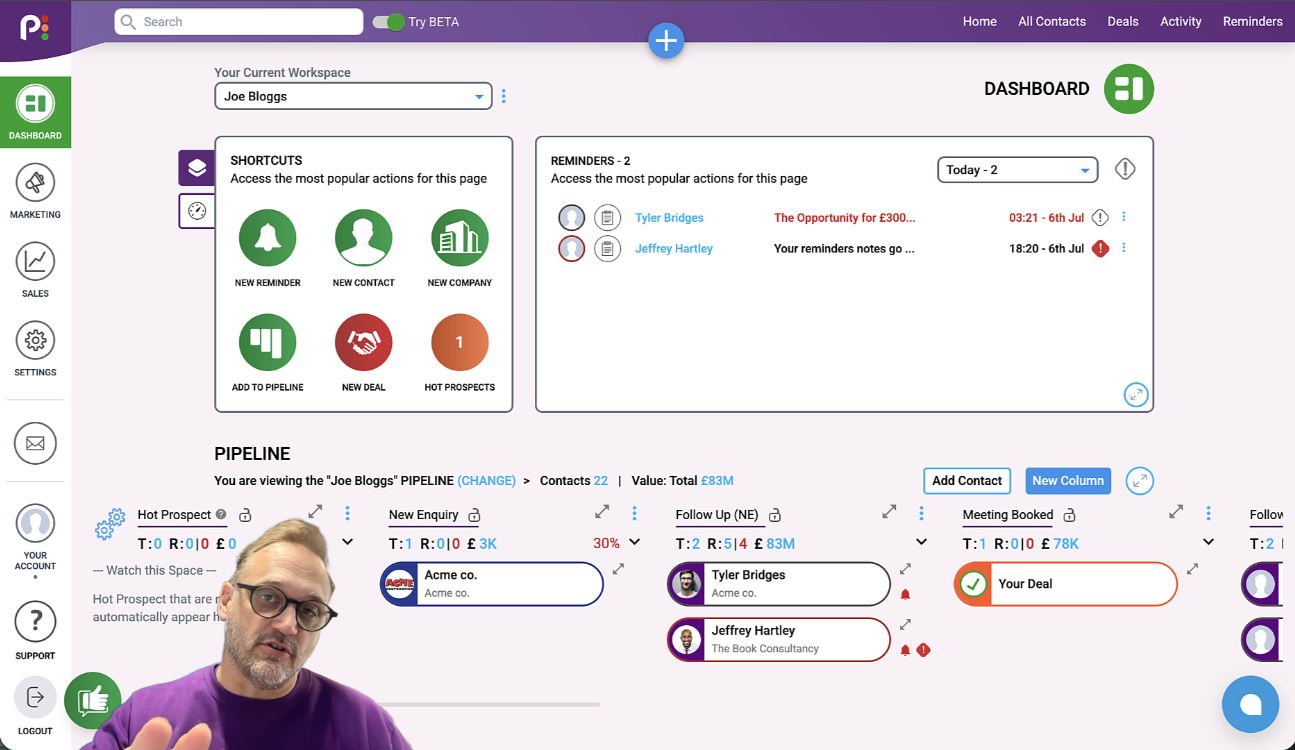
Everything you need to manage your customers and stay organised every day.
(5 mins)
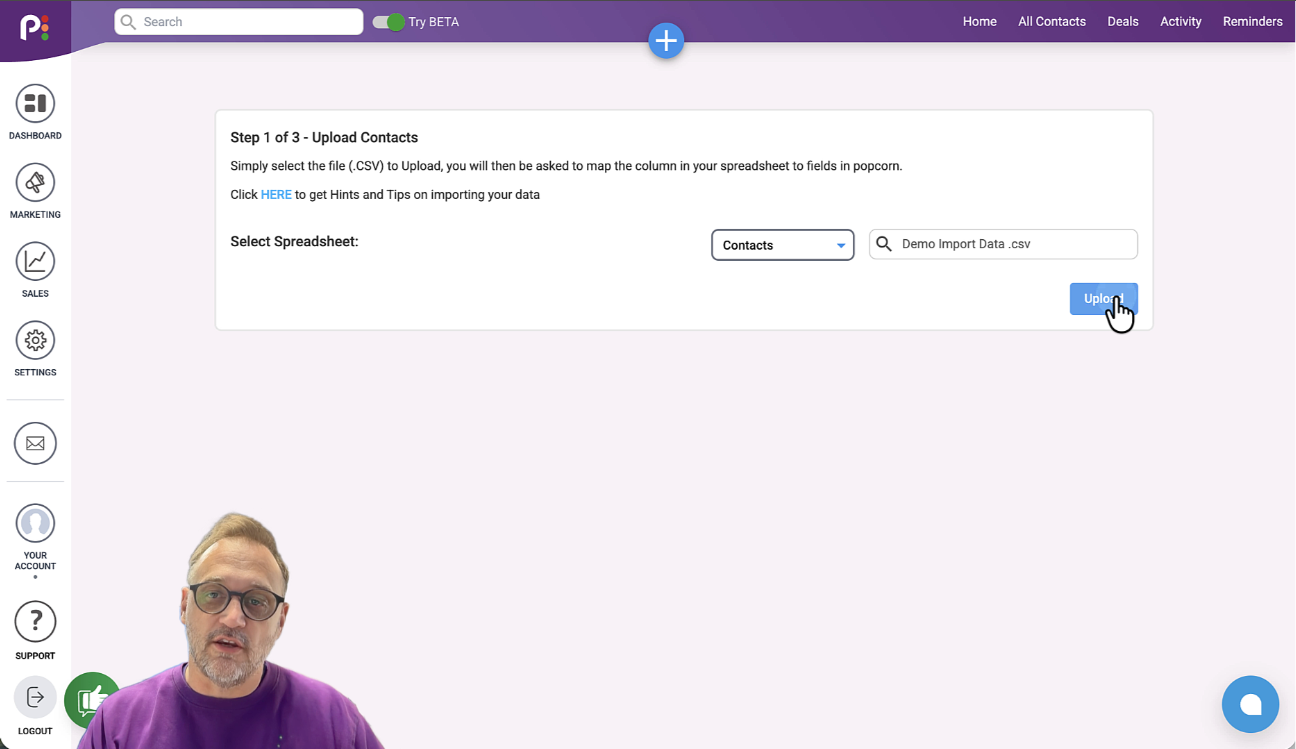
Get your contacts into popcorn and start building your customer database
(5 mins)
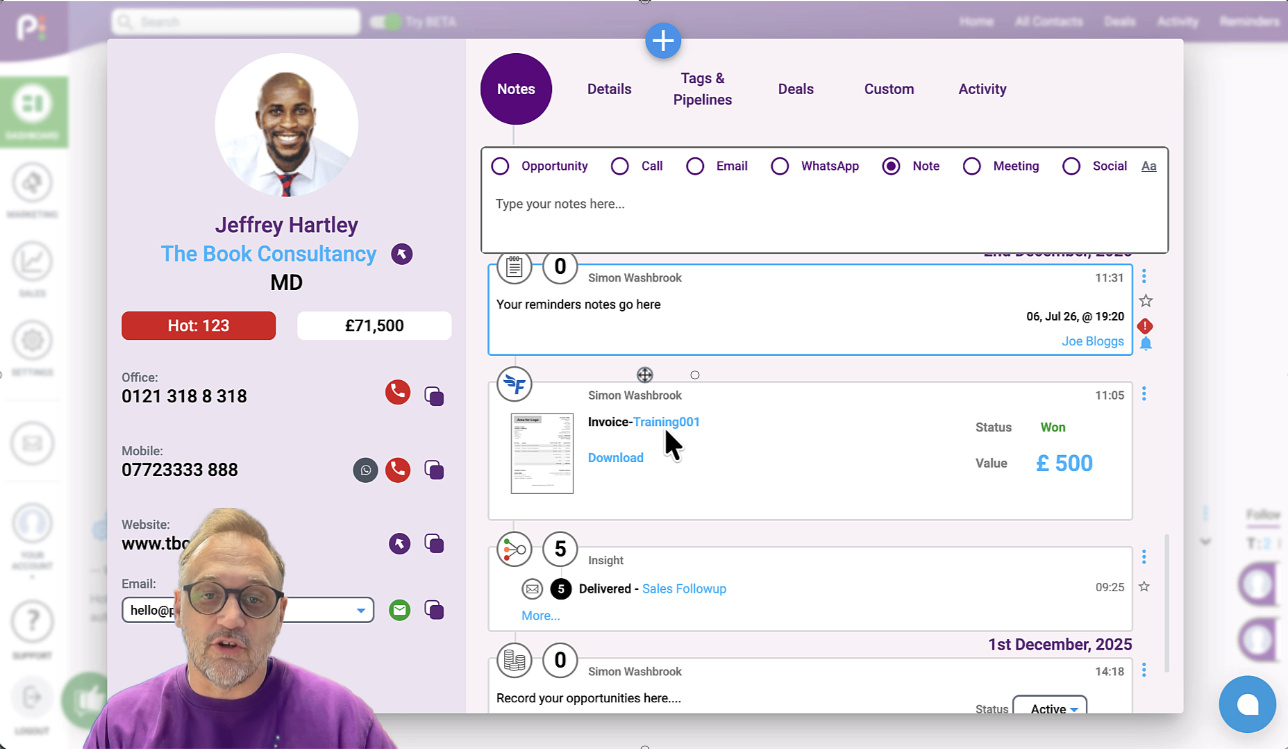
Keep all your customer information, conversations and activity together in one place.
(5 mins)
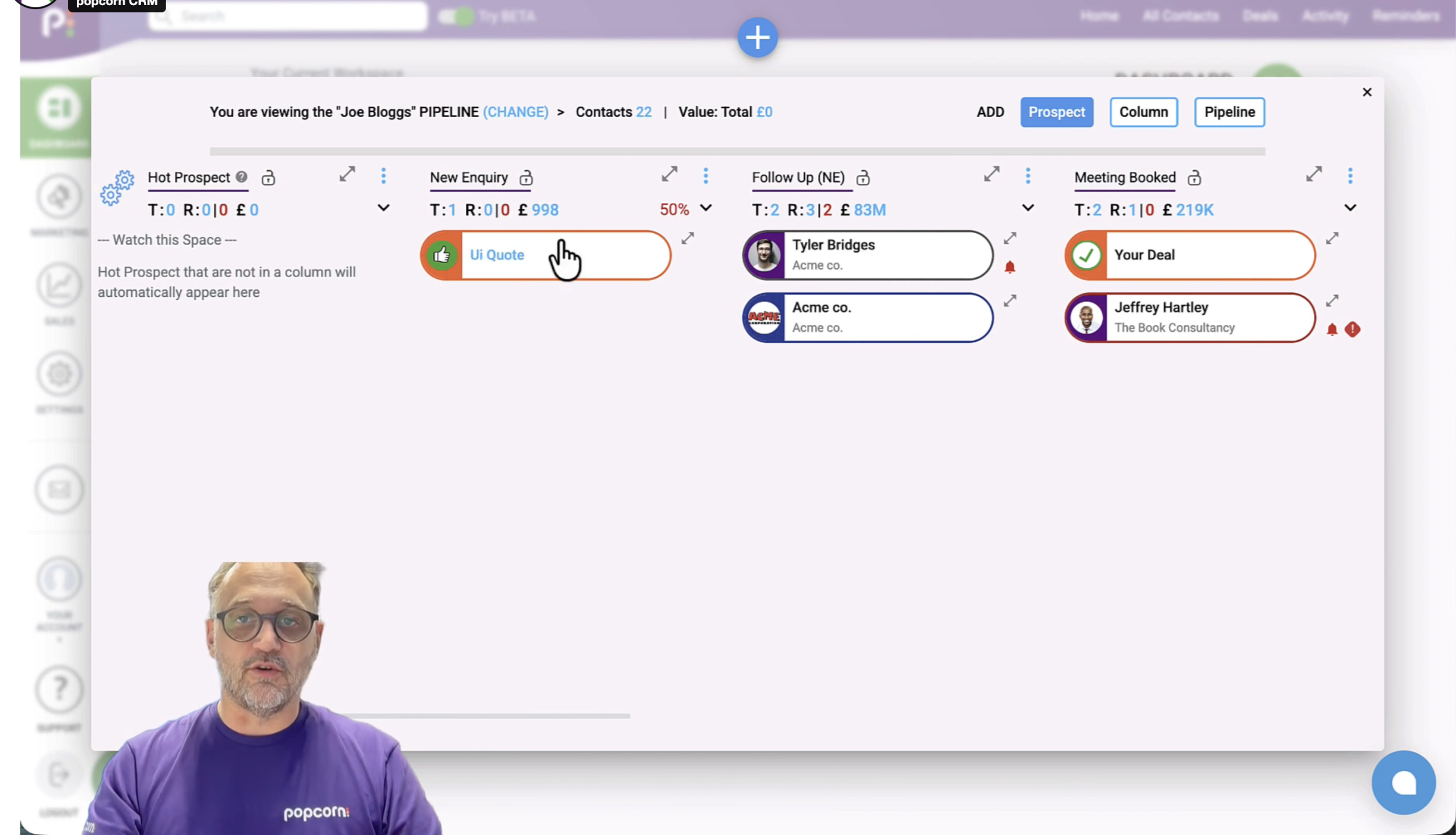
Track every customer from first enquiry through to becoming a happy customer.
(x mins)
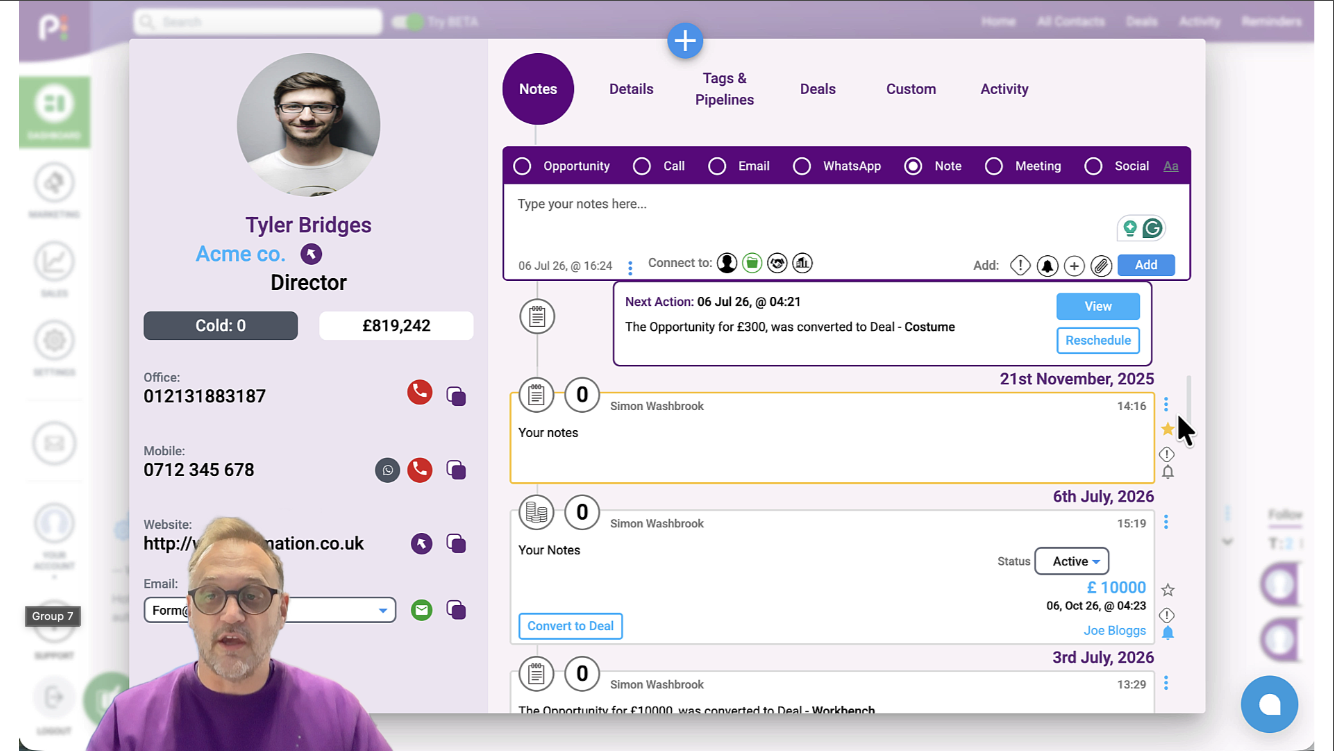
Use reminders and tasks to stay organised and never miss an opportunity
(3 mins)
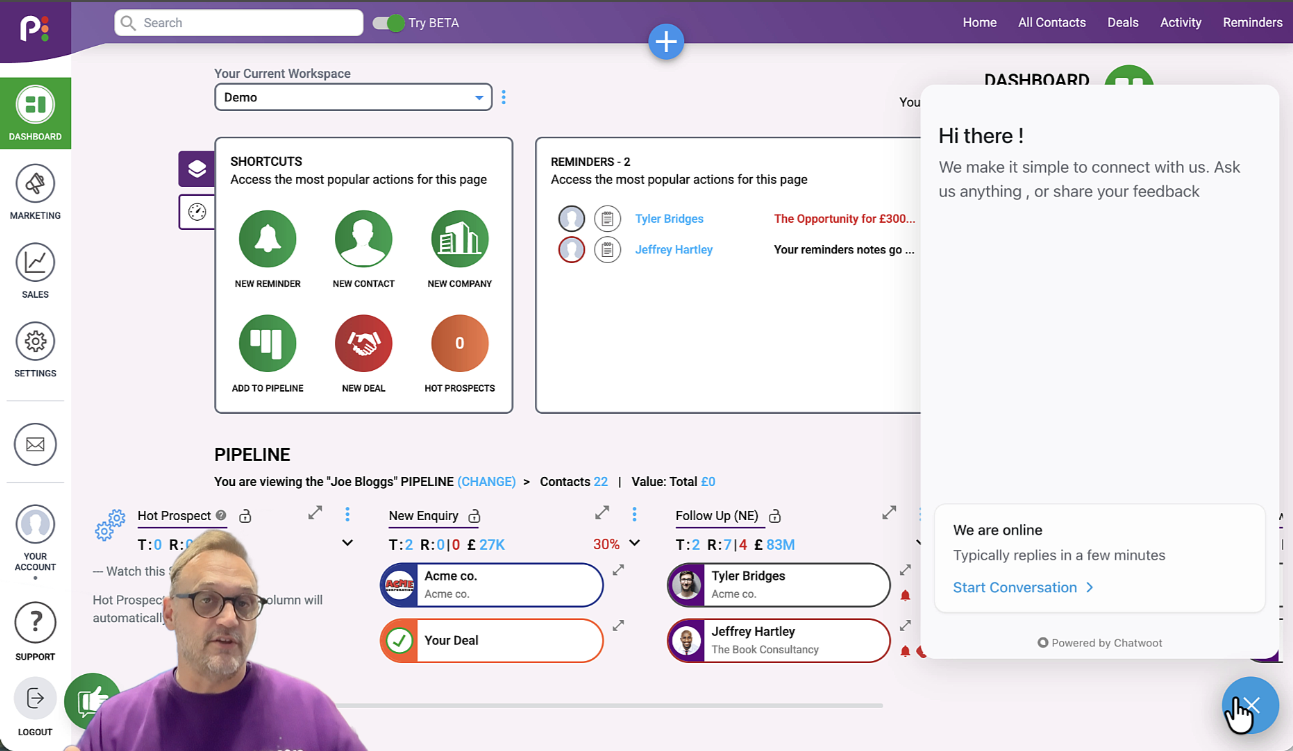
Discover all the ways our friendly UK support team can help you succeed.
(2 mins)
If you are a ‘Sales‘ or ‘Marketing’ user, the Campaign folders will be where you can set up all your Automations, Email Marketing, Prospecting, and other stuff to help you convert more sales, faster. More details on this will be covered in the second Onboarding session that you will receive in a few days.