






CRM Onboarding
Get Started with popcorn CRM
Grab a Cuppa and let’s get your CRM sorted.
In just a few minutes, you’ll learn how to add your contacts, set reminders, and see your sales pipeline come to life.
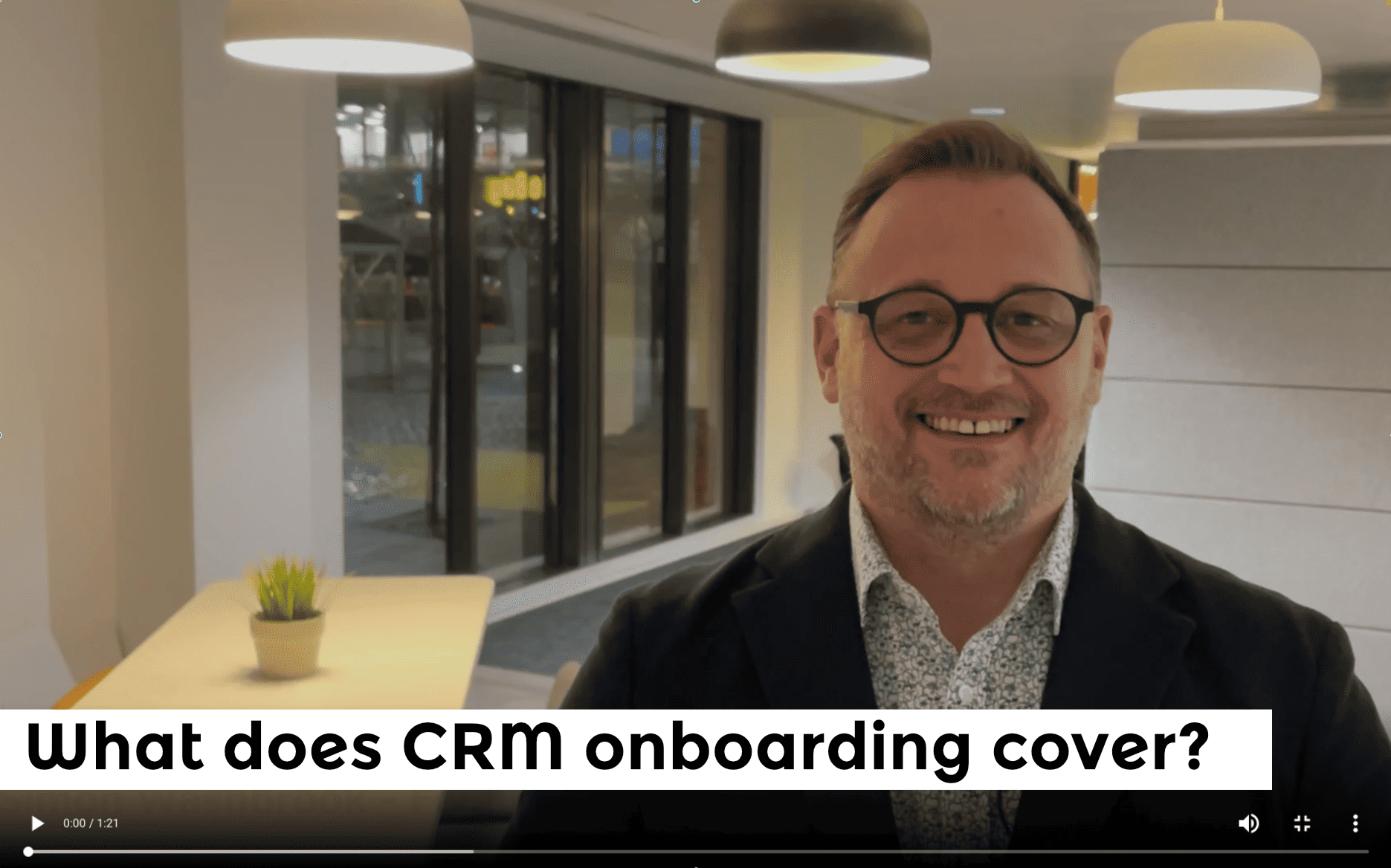
Quick Start Guide
Start here to learn the three simple steps that get your CRM up and running — before your cuppa’s even gone cold.
Step by Step Guide - To Get You Going Fast
We have broken the Onboarding process down into a series of short videos. If you have any more questions, please check out the FAQ’s, which answers 90% of the questions our Support Team get asked.
A quick walk through of how the basics in popcorn, including a solid overview of of the contact popup, which is at the heart everything in popcorn.
Covering the 2 ways to add contact to popcorn CRM – via the importing tool and manually adding contacts via the popup window
What are reminders in popcorn CRM, how to add, manage and use them in both CRM and Prospecting accounts.
What are Pipelines and how you can use them to manage your contacts down a simple and visual process.
How to set up your free agent account integration.
How to get support and what help is available.
A quick video guide showing how to/downgrade your account in popcorn CRM
Next Steps - Keep the Momentum Going
Building Your First Pipeline
Your pipeline is where the magic happens — it’s a simple, visual way to track every prospect and opportunity.
Whether you’re following up leads, managing clients or planning future opportunities, your pipeline helps you stay in control and never miss a beat.
We’ve put together a quick guide to help you create an effective pipeline that you and your team will actually enjoy using. You’ll always know where every prospect is and never miss another opportunity.

To get started, think about the real, practical actions you take during the process you want to track.
In this example, we’re building a prospecting pipeline — one that helps you move prospects through their journey, step by step. Remember, prospects don’t always move neatly forward. Sometimes they pause, step back, or skip ahead — and that’s perfectly normal.
The key is to respond to where they are in the process. If you try to push someone to a stage they’re not ready for, you risk losing the opportunity altogether.
In this example, I’m assuming there’s just one person managing your sales process. But if you’ve got a team, it’s easy — just create separate pipelines for each salesperson.
Either way, you’ll end up with a simple, visual process that keeps everyone on the same page — and gives you total visibility of where every prospect is and what needs to happen next.
Whether you are a ‘CRM’ or a ‘Prospecting’ customer, a Campaign is like a folder, where you can keep everything and everyone connected to your pipeline, on one place.
This is where you’ll put all of your New Enquiries, (social media, referrals, web enquires etc…) that way you will never forget to follow up on a prospect or do something with them.
This may be in the form of Calls, Messages or Emails etc, and is really useful to visualise how many attempts you plan to make, to engage with each prospect.
Add a column for when you achieve your objective, this may be a Meeting, Quote or Demo etc.
Never miss an opportunity by creating a ‘Follow-up’ column which tells you that you need to do something next.
Finally, add in a column or columns for what happens when you have won the business. This may be ‘Delivery’, ‘Send Invoice’, ‘Upsell’ or ‘Post paper-work’, whatever it is, it ensures that you don’t forget about your customers.
As a bonus tip, it works really well to create a separate pipeline with the months of the year, that way if someone says ‘give me a call in September’, you can drop them in and it then gives you a clear picture of the health of your future prospecting.
If you are a ‘Sales‘ or ‘Marketing’ user, the Campaign folders will be where you can set up all your Automations, Email Marketing, Prospecting, and other stuff to help you convert more sales, faster. More details on this will be covered in the second Onboarding session that you will receive in a few days.
Of course, this is just a simple version of a pipeline, and you can add as many or as few steps to suit you, but it’s creating a process that you actually follow that matters and once you start adding your prospects into the columns, setting reminders and tagging them, this is when the system really comes to life.
Once you have watched this Click HERE to move to the FAQ’s where we aim to answer most of the specific questions our users have.
You’re All Set ...
Nice work — your popcorn CRM is good to go.
You’ve learned how to add contacts, set reminders, build your first pipeline and even connect FreeAgent — everything you need to stay organised and on top of your follow-ups.
All that before you’ve even finished your brew ☕.
Now, while the kettle’s topping up, here are a few ways to keep that momentum going




Are you ready to get started with popcorn CRM?
*FREE 5 Day Trial of popcorn CRM, then £5+VAT per month. No Set-Up Fees, No Contracts, No Hidden Costs