
CRM Migration Guide: How to Safely Move from Spreadsheets or HubSpot
Migrating your CRM can feel like moving house — you’ve built everything up, and the idea of packing it all away (and hoping it arrives safely) can be daunting. Whether you’re switching from spreadsheets or a heavyweight system like HubSpot, this CRM migration guide will walk you through how to move your data safely, simply and without losing your sanity — or your sales leads.
The Risks of Migration
Before you dive in, let’s talk about the elephant in the room: migration risks. Many small businesses rush the process and end up with:
- Missing or duplicated contacts
- Lost notes or deal histories
- Broken links between emails and contacts
- GDPR headaches from importing old or invalid data (learn more about UK data protection here)
These issues don’t just waste time — they can cost you trust, sales, and momentum. The good news? With a plan and the right tools, you can avoid all of them.
Step-by-Step CRM Migration Plan
- Audit your current data – Start by checking what you’ve actually got. Look for duplicate contacts, missing information, and old leads that no longer belong in your system.
- Decide what to bring – Not everything needs to make the trip. Keep active prospects, customers, and current activity. Archive or delete what’s no longer relevant.
- Clean and standardise – Make sure fields like phone numbers, postcodes, and email addresses are consistent.
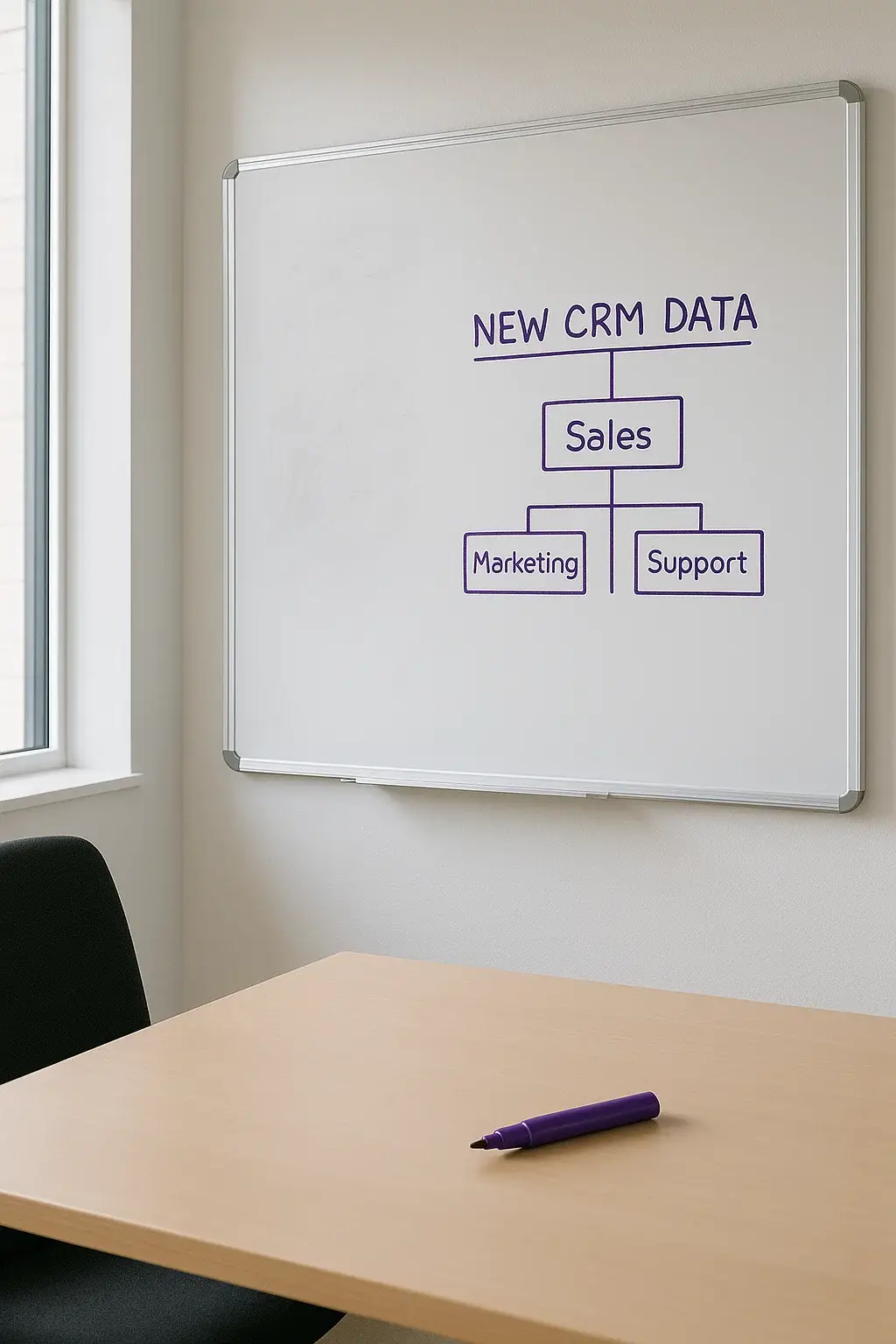
- Map your fields – Each CRM stores data differently. popcorn CRM includes a built-in data mapping tool that automatically detects matching fields and aligns them for you.
- Run a small test import – Upload a handful of records first to check everything looks right.
- Import the full dataset – popcorn CRM automatically de-duplicates your data during import, saving hours of cleanup.
- Double-check your work – Review a few records and test any automations or reminders.
The Tools You Need
- Spreadsheet tool – Excel or Google Sheets to clean and format data.
- CSV file – The universal format for CRM imports.
- Data mapping template – Track what goes where.
- Built-in data mapping tool – popcorn CRM automatically maps fields and removes duplicates as you import.
- CRM import tool – In popcorn CRM, you can drag-and-drop your CSV to import in minutes.
- Support team – popcorn CRM’s team can review your file for free before you start (book a demo).
If you’re migrating from HubSpot, popcorn CRM’s import wizard even lets you bring over contact history, deal notes, and engagement data with minimal effort.
Common Migration Mistakes (and How to Avoid Them)
- Copying the clutter – Don’t import years of old, irrelevant data.
- Skipping a test import – Always test with a small batch first.
- Ignoring GDPR rules – Only import contacts who have given consent or where a clear legitimate interest applies (UK GDPR guidance).
- Over-complicating fields – Keep it simple; fewer fields mean faster setup.
- Forgetting integrations – Reconnect email, website tracking, and finance tools like FreeAgent.
Post-Migration Checklist
- Test reminders, email templates, and pipelines
- Confirm all users can log in and see the right data
- Reconnect integrations like email and FreeAgent
- Tag contacts for better segmentation
- Book a team walkthrough to get everyone up to speed
The popcorn CRM Difference
At popcorn CRM, we’ve helped hundreds of UK small businesses migrate their data — from messy spreadsheets to complex systems like HubSpot. We designed popcorn CRM so migration is quick, clean, and human-friendly. You can import your contacts, notes, and reminders in minutes. Our built-in data mapping tool automatically aligns your fields, and the de-duplication system keeps everything tidy from day one. Plus, our support team will check your file for free before you start.
So whether you’re growing beyond spreadsheets or simplifying after HubSpot, popcorn CRM makes the move easy.
Final Thought (and a Friendly Nudge)
Migrating your CRM doesn’t have to be scary — it just needs a plan, some prep, and a system that won’t fight you every step of the way.
👉 Try our Free CRM — perfect for small businesses ready to get organised.
Or, book a demo and see how easy it is to move your data to popcorn CRM.