
CRM BASICS . CORE FEATURE
Data Segmentation: Find Exactly the Contacts You Need
What it is: Flexible CRM filtering that helps you quickly find the exact contacts, opportunities or activity you need.
Segment your data by tags, pipeline position, email engagement, website activity and more. Then save the results or take action right away, keeping your list from becoming stagnant.
CRM Features › CRM Basics › Data Segmentation
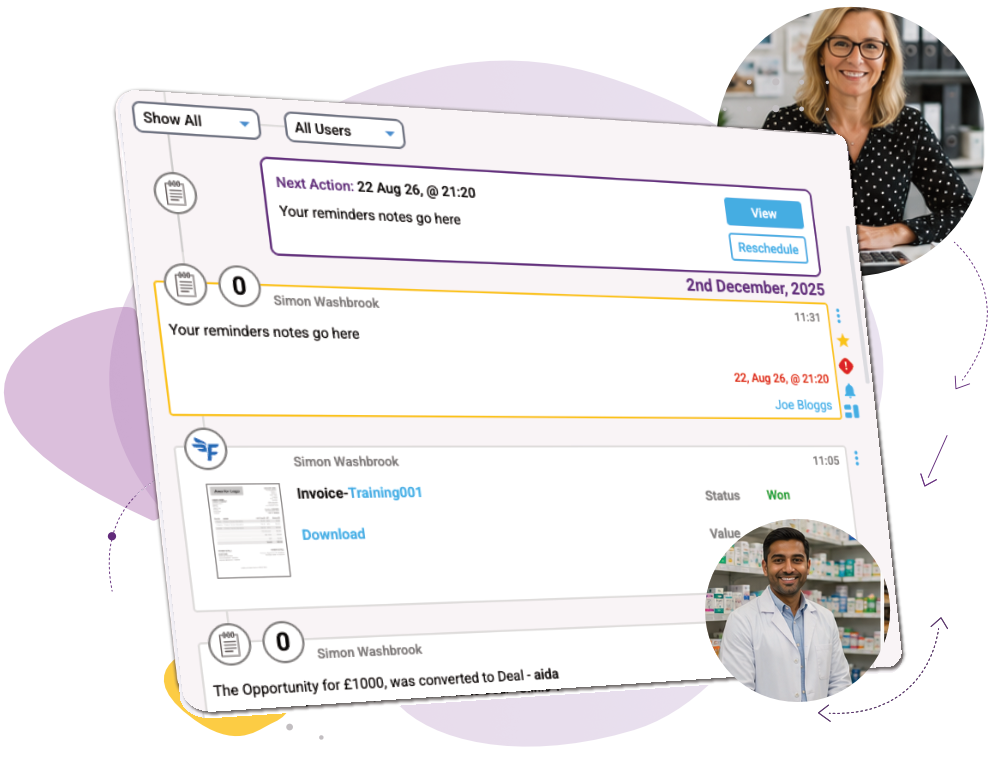
What you can do
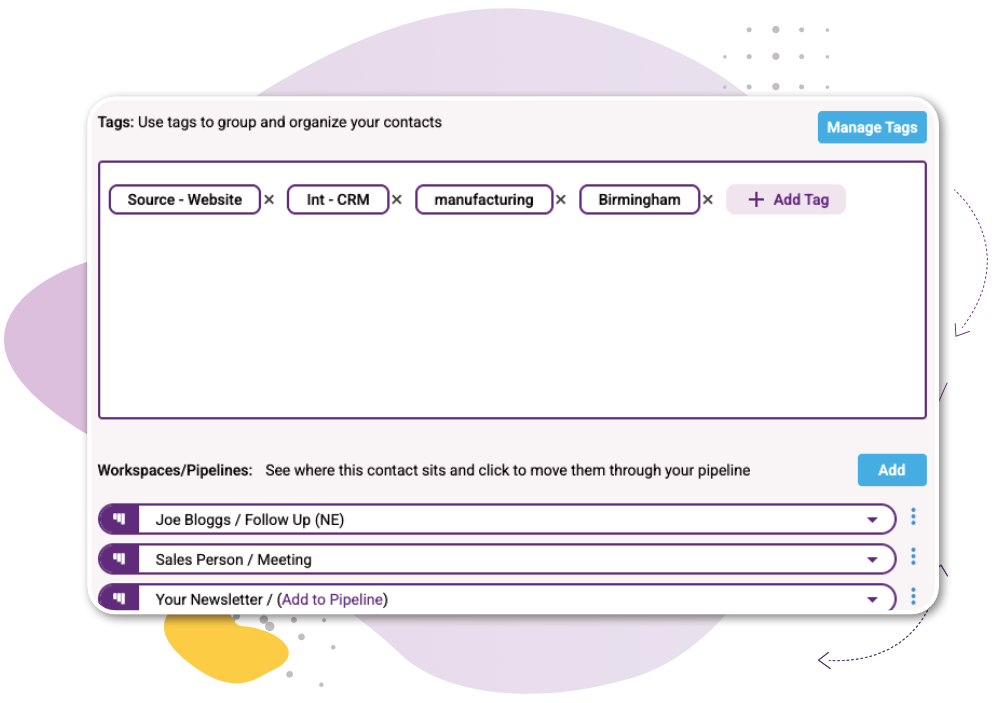
Find exactly who you need
Quickly narrow down your contacts using the information already held in popcorn, from contact details and tags to sales and engagement data.
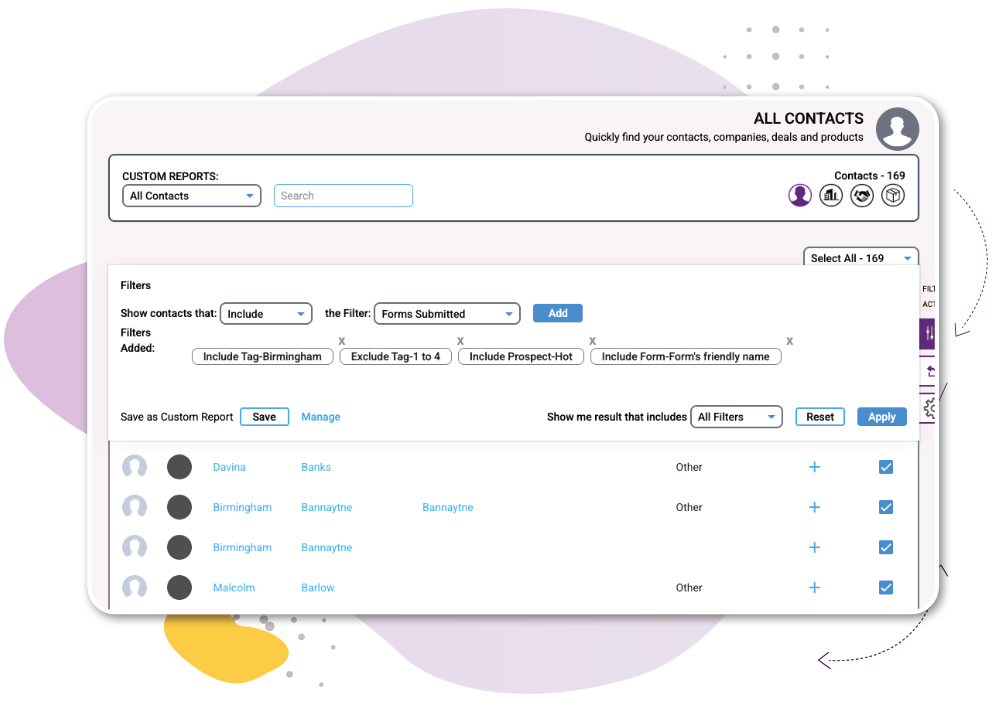
Segment by behaviour
Use email engagement, website visits, pipeline position and other activity to find people based on what they’ve actually done.
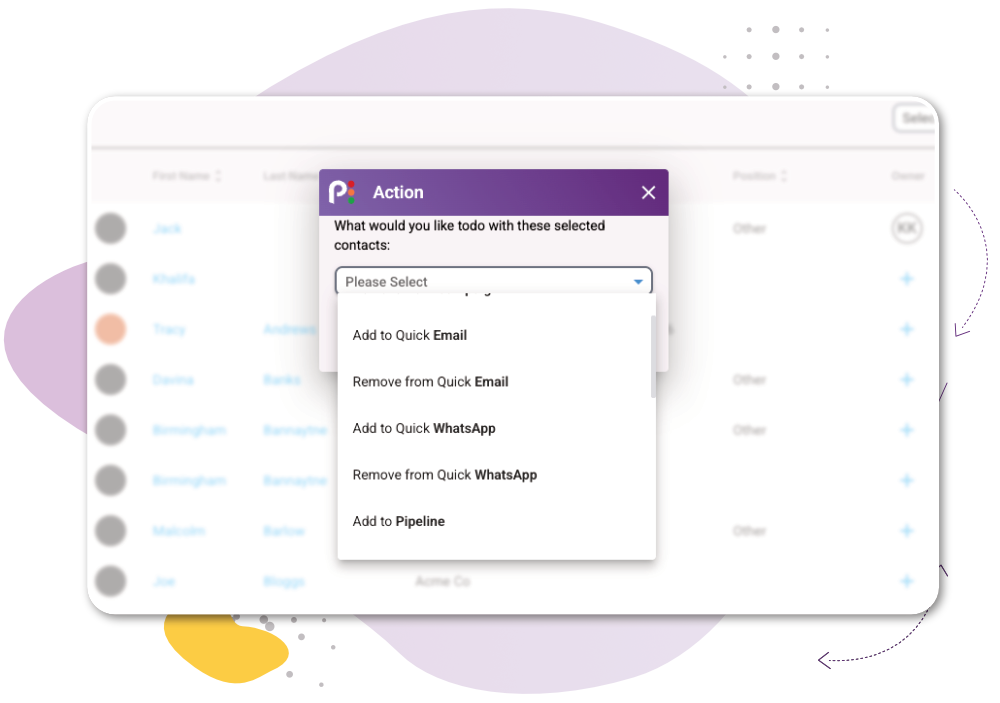
Turn your data into action
Filtered results with the Action menu open showing Email, Add to Workspace and Export.
How it works
1
Open the filters – Wherever you see a list of data in popcorn, click Filter.
2
Choose your criteria – Combine tags, pipeline position, email engagement, website activity and other CRM data.
3
Act or save – Use the Action button on your results straight away, or save the filters as a custom report for next time.

In just 4 months popcorn’s simplicity and intelligence delivered a 10% increase to our turnover.
Sami Mubarack, Managing Director
Works Alongside:
See how these features connect.
Common Quesions
Frequently Asked Questions About CRM Customer Segmentation
Turn your CRM data into action
Or if you’d rather explore first: