CRM BASICS . CORE FEATURE

A CRM Dashboard Built for Small Business

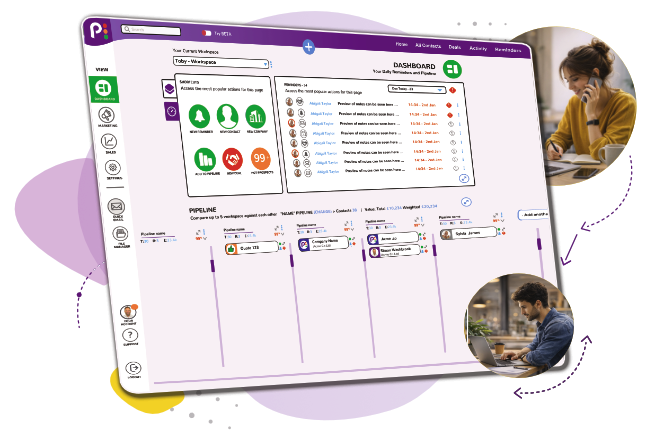
What it is: The Daily Dashboard is popcorn’s CRM dashboard for small business teams – one flexible view of everything happening in a workspace, so you rarely need to leave it.

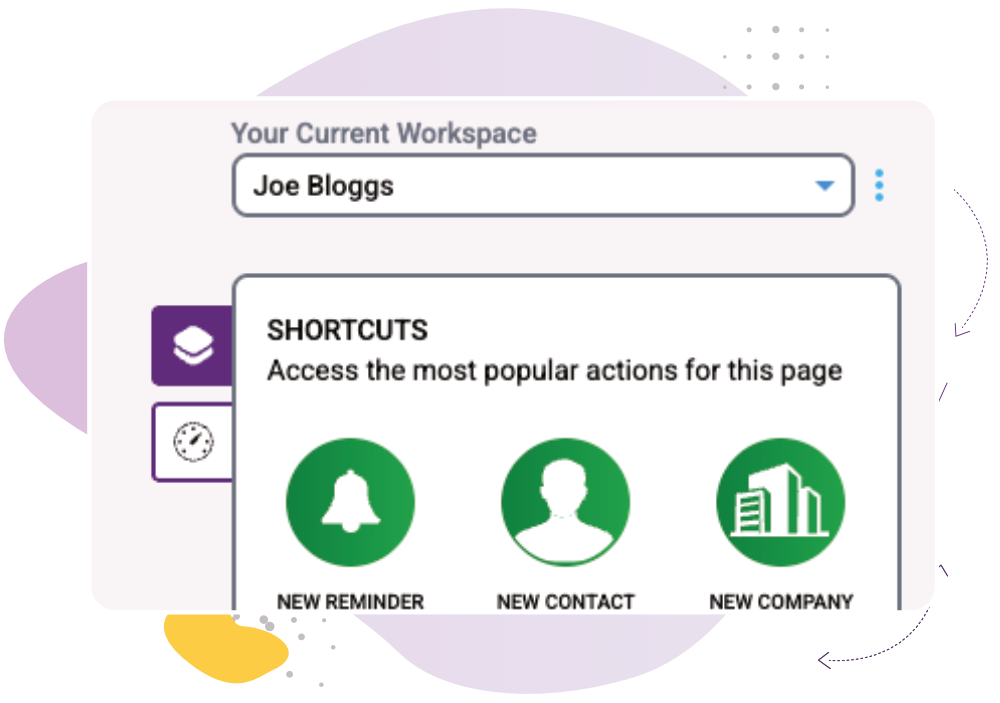
Notes, reminders, your sales pipeline, and every shortcut you need – all in one place. Less time hunting for information, more time selling.

CRM FeaturesCRM BasicsDaily Dashboard

popcorn CRM dashboard

What you can do

See exactly what today looks like
Your tasks and reminders for today, by default – switch to tomorrow, next week, last week, overdue, or as far out as next quarter, whenever you need to.

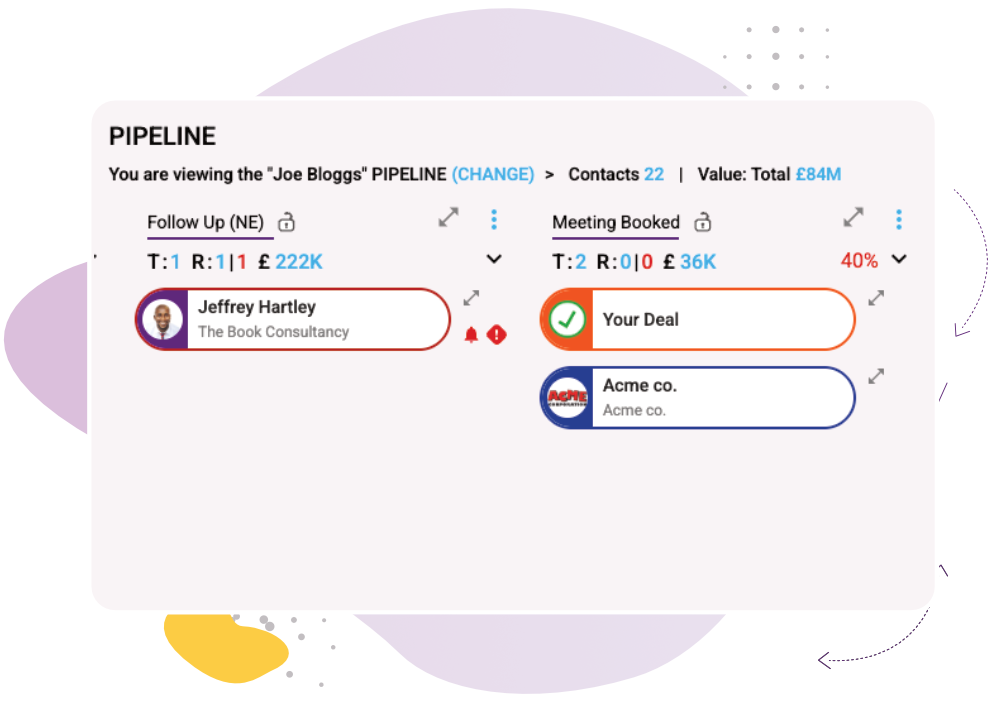
Map your exact customer journey

Add as many pipeline columns as you need. See financial values, reminders and hot prospects together, so you know exactly where you stand at a glance.

Work from one shared view, or your own

Set up a shared dashboard for the whole team, or a personal one for each person – built around a workspace, however you define it: a user, a team, or a product line.

How it works ​

1

Choose your workspace – a person, team or product line, whatever fits how you sell

2

Pick your view – today by default, or any range from overdue to next quarter

3

Work straight from the dashboard – add contacts, notes and reminders without leaving the page

“popcorn is really intuitive and I can see exactly what’s going on in the customer journey… it makes me able to make really good business decisions!”

Joe Trodden

Works Alongside​:

See how these features connect.

Common Quesions

The smaller details that keep everything running smoothly.
Yes – set up a shared team dashboard, or keep individual dashboards for each person, whichever fits how your business works.

No – that’s the whole point. Add contacts, notes and reminders, and manage your pipeline, without switching pages.

Yes – switch the view to tomorrow, next week, last week, overdue, or as far out as next quarter, whenever you need to.

On the Free CRM, you’ll need to upgrade to access Marketing and Sales tools. On a paid package, just click the Sales or Marketing icon to see everything relevant to that specific workspace.

Ready to see contact management done simply?
Book a demo and see how quickly you can find anything about a contact.
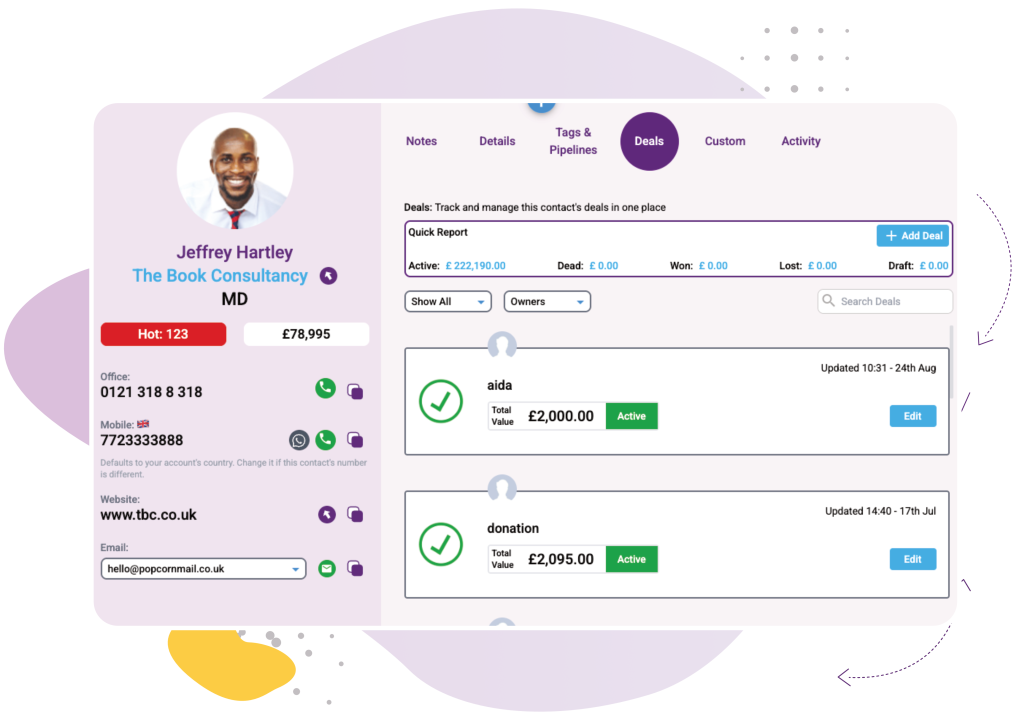
Most CRMs bury contact info behind three clicks and a new page load. Popcorn doesn’t. In a personalised demo, we’ll show you the contact popup in action – one click, from anywhere, and everything about that person is right there. Book your demo and see it working on your own contacts, not a generic example.

Or if you’d rather explore first: