
CRM BASICS . CORE FEATURE
Simple One Click Contact Management
What it is: The Contact Popup is popcorn’s simple contact management tool – click any name, anywhere in the platform, and see everything about that contact instantly, without leaving the page you’re on.
Click a name in your pipeline, a report, or the search bar – the contact popup opens on top of whatever you’re doing, so you get the full picture in one click, not five.
CRM Features › CRM Basics › Contact Management

What you can do
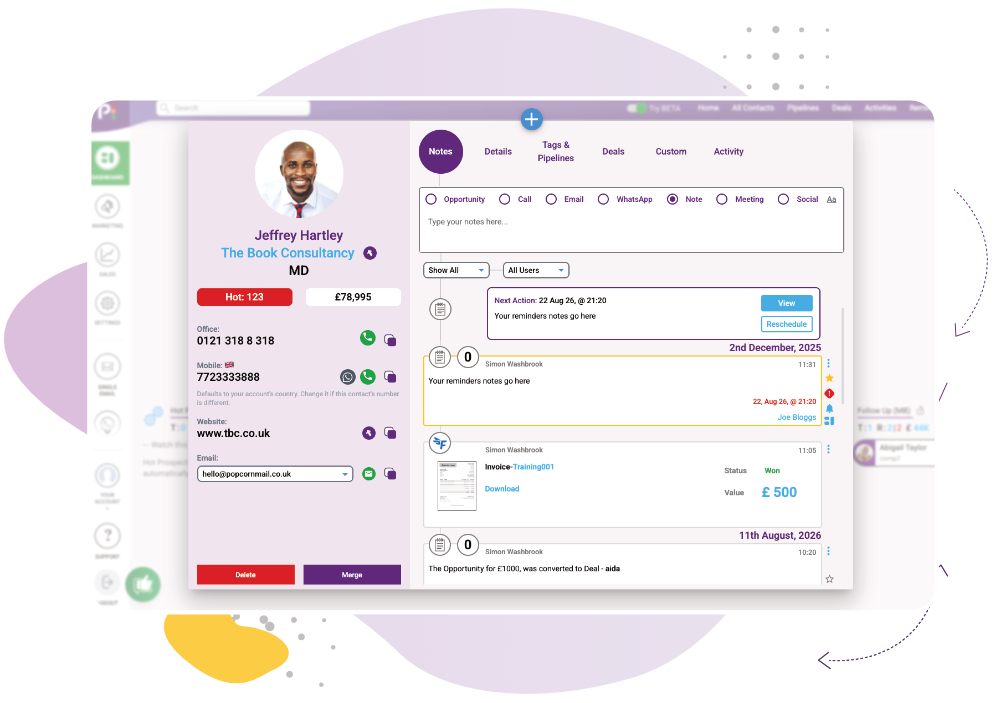
See everything, instantly
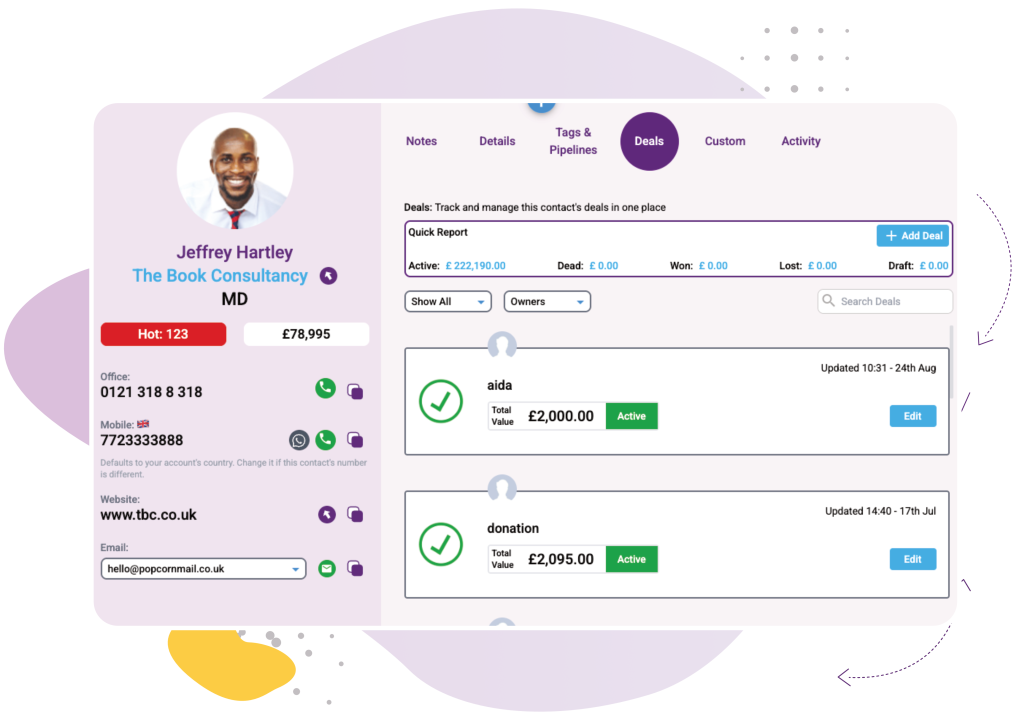
Know exactly where they stand
See their pipeline position and any deals tied to them, financial values included, without opening a separate page.
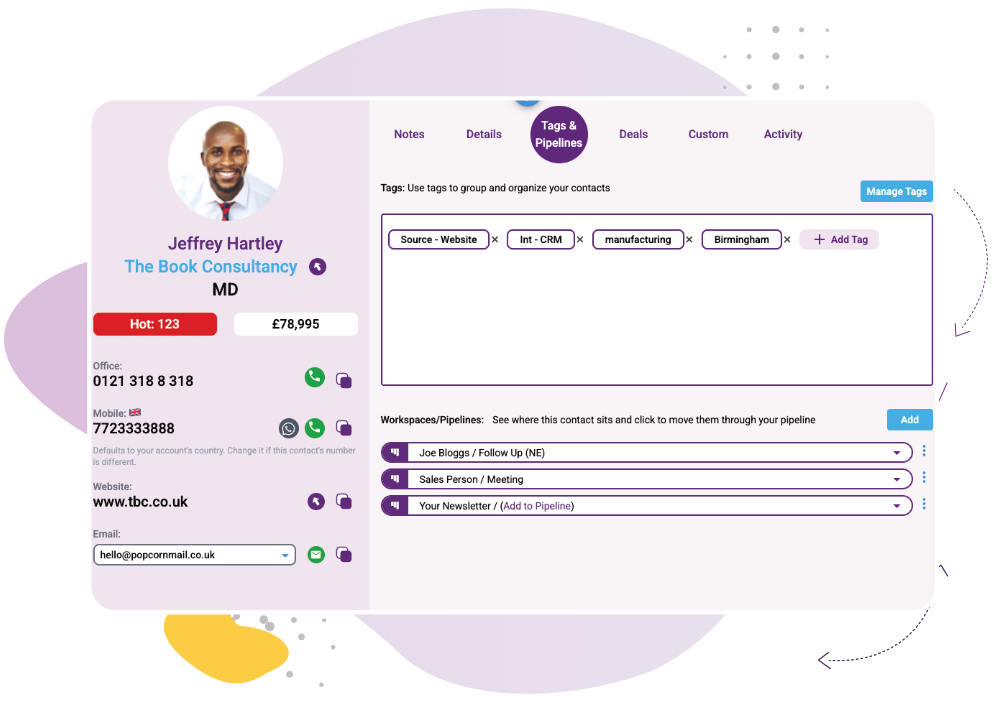
Stay organised, your way
How it works
1
Click a contact’s name – in your pipeline, a report, or the search bar
2
The contact popup opens instantly, on top of the page you’re already on
3

Aaron Hall, BD Director at Frank Exchange
Works Alongside:
See how these features connect.
Common Quesions
No – that’s the whole point. The contact popup opens on top of your current screen and closes when you’re done.
From anywhere – click a name in your pipeline, in a report, or search for them directly, and the popup opens the same way every time.
Yes – GDPR-relevant information is built into the contact record, not bolted on separately.
Ready to see contact management done simply?
Or if you’d rather explore first: