
CRM BASICS . CORE FEATURE
CRM Customer Activity Tracking: Everything in One Simple Timeline
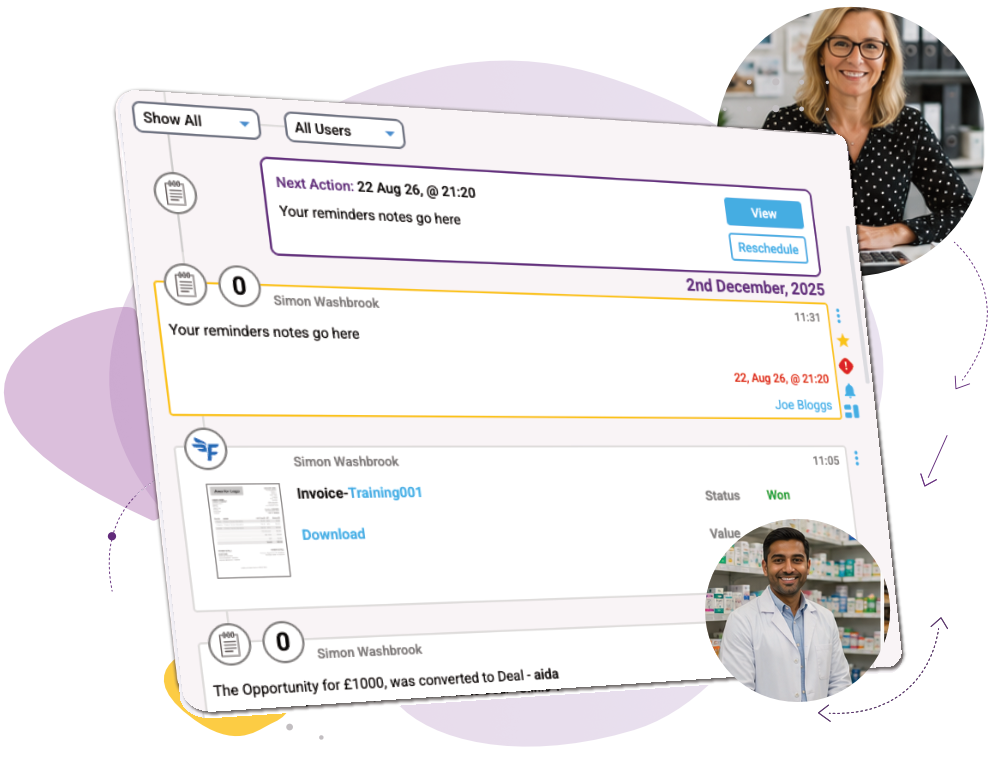
See notes, reminders, emails, WhatsApp activity, marketing engagement, website visits and more in one place. Activity from across your whole team is brought together automatically, giving everyone the same clear picture of what’s happened and what’s happening now.
CRM Features › CRM Basics › Activity Timeline
What you can do
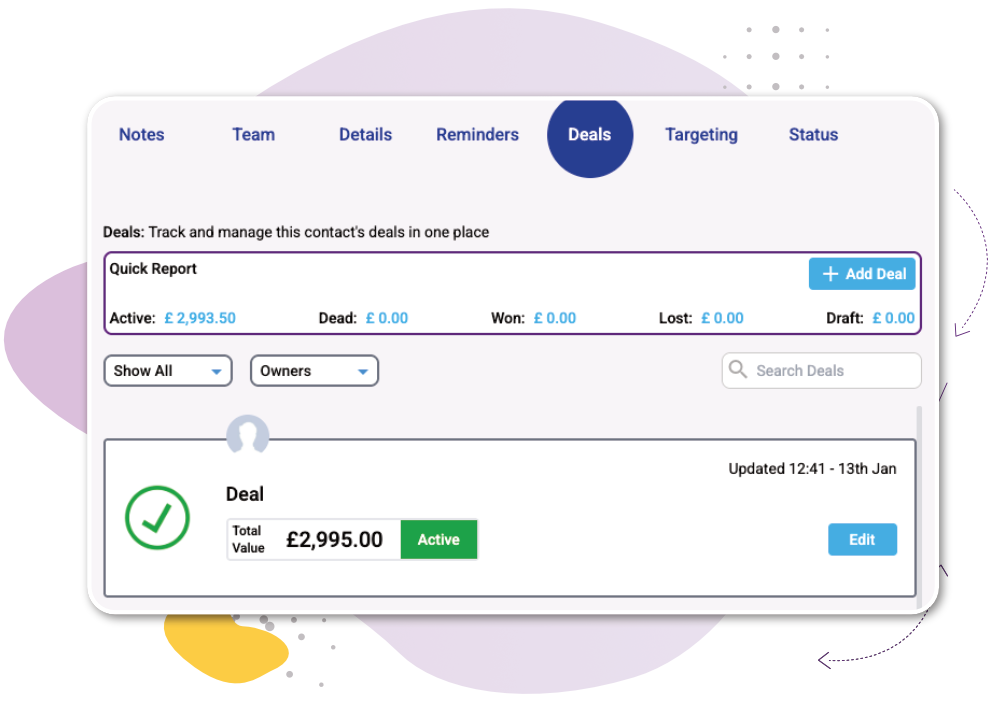
See everything in one place
Bring notes, reminders, emails, WhatsApp, marketing activity, website visits and other interactions together in one chronological timeline.
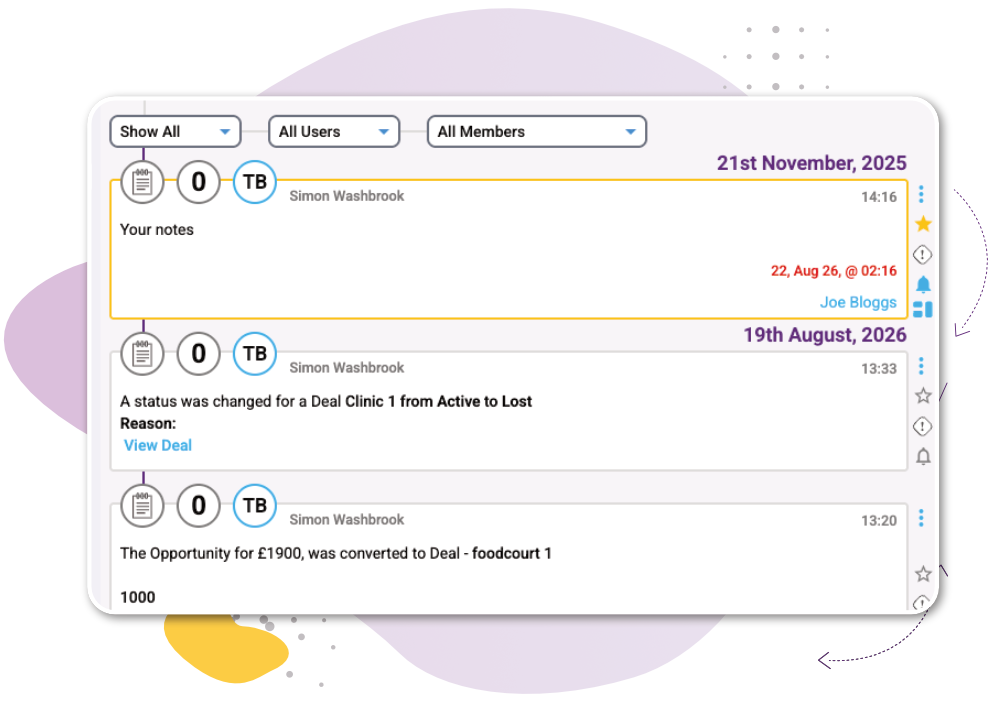
Give everyone the same picture
Activity from across your team is joined together, so information isn’t trapped in individual inboxes or with individual team members. Anyone can open the record and understand the relationship.
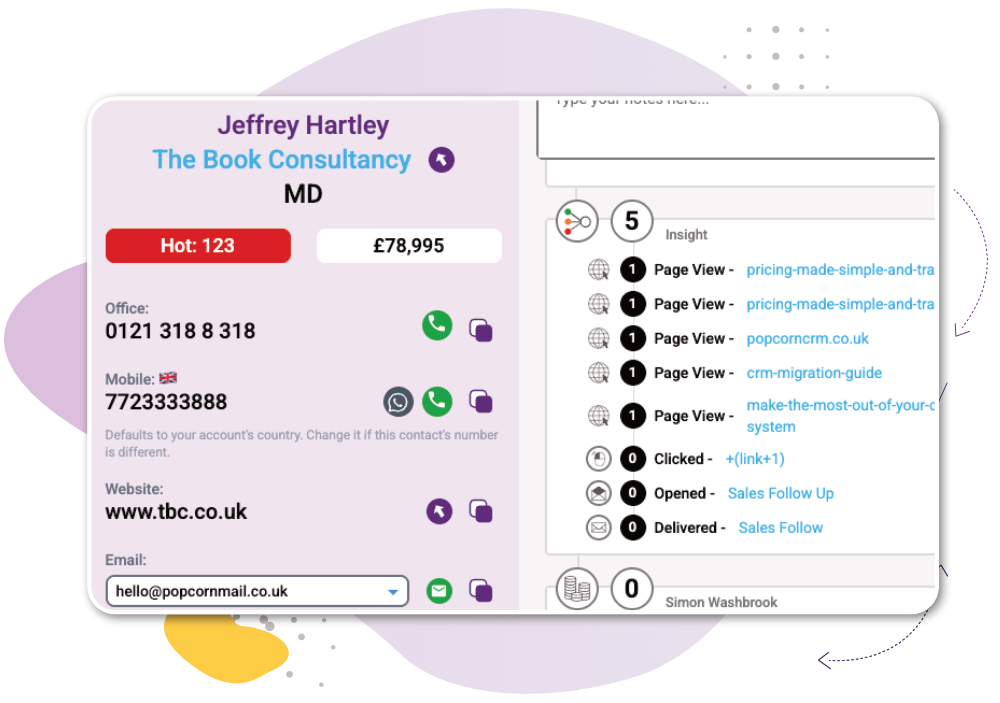
Where activity become insights
See recent engagement alongside the existing relationship. Website visits, email opens, clicks and other activity can contribute to lead scoring, helping your team recognise increased interest and understand where attention may be needed.
How it works
1
2
3

“I no longer need to pick up the phone anymore; I know who is ready to buy.”
Antony Adams, Founder
Works Alongside:
See how these features connect.
Common Quesions
Customer activity tracking helps bring the different interactions you have with contacts and companies together. Here are some common questions about how CRM activity tracking works and what information it can bring together.
Customer activity tracking records the interactions and activities connected to a contact or company, creating a shared record that helps your team understand the relationship.
A CRM activity timeline can show interactions such as notes, reminders, emails, marketing engagement, website activity and other communications in chronological order.
A CRM records relevant activities against the contact or company they belong to. popcorn brings these activities together automatically so users don’t have to search through separate systems to understand what has happened.
Keeping interactions together gives everyone a shared view of the customer relationship. It reduces information being lost between team members and makes it easier to understand what has happened before taking the next action.
Yes. popcorn tracks email marketing, WhatsApp engagement and website visits and brings that activity together in the contact timeline. It also feeds this engagement into lead scoring, so your most engaged Hot Prospects can be identified and delivered to you automatically.
Ready to see the whole company, not just the contacts?
Or if you’d rather explore first: