Choosing a HubSpot alternative: 10 things a small business should compare
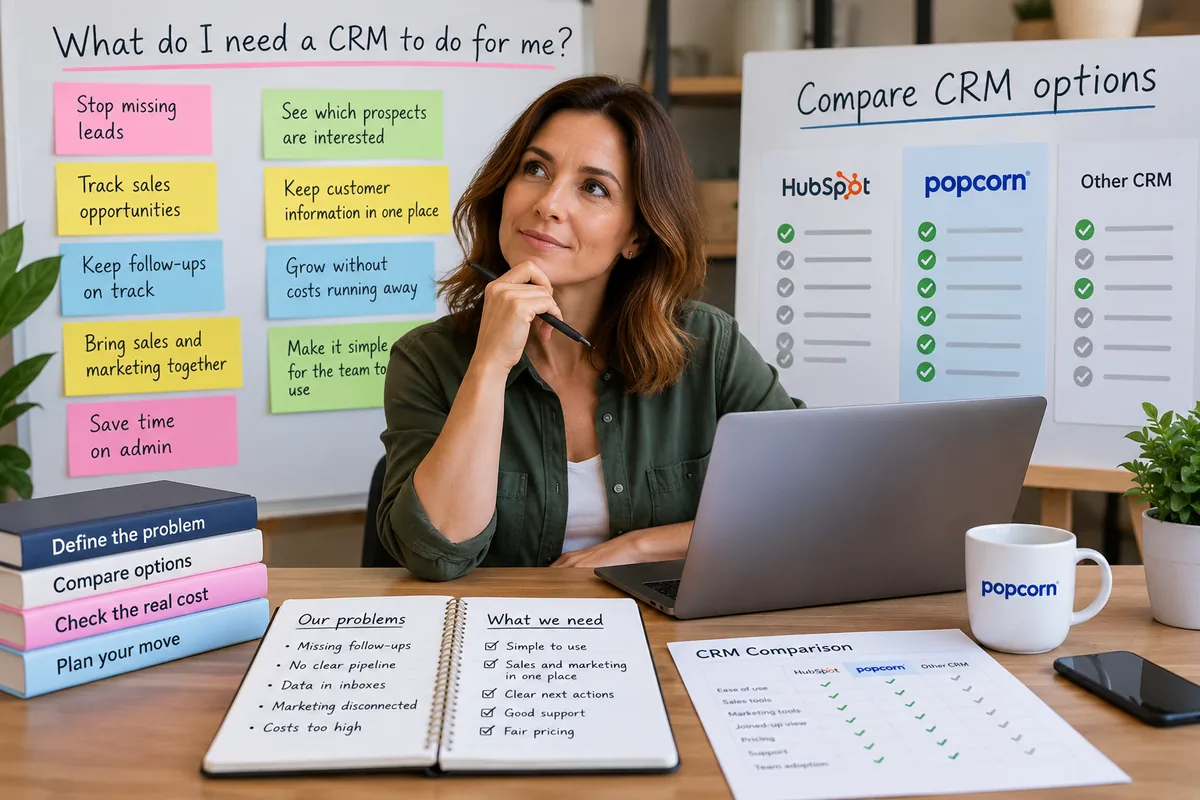
Before you compare CRM features, stop and ask: "What do I actually need a CRM to do for me?"
Quick answer
When choosing a HubSpot alternative, start by asking what you actually need a CRM to do for your business. List the problems you need to solve first, then compare systems on usability, follow-ups, pipeline fit, joined-up sales and marketing, real cost, integrations, migration, support and whether your team will actually use it.
- Start with business problems, not a feature checklist.
- Define what the CRM must do before comparing products.
- Avoid paying for features your team may never use.
- Compare ease of use, follow-ups and pipeline fit.
- Check whether sales and marketing stay joined up.
- Compare the real cost, not just the headline monthly price.
- Review migration, integrations, onboarding and support.
- Choose the CRM your team will actually use consistently.
Overview
Start with the problem, not the feature list
That should be the starting point.
Not the feature list. Not the number of integrations. Not the number of dashboards.
Start with the problems your business needs to solve. That might be:
- leads are being forgotten
- follow-ups are being missed
- sales opportunities are not being tracked properly
- customer information is spread across inboxes and spreadsheets
- marketing activity is disconnected from sales
- nobody knows which prospects are showing interest
- the team cannot see what needs attention today
- CRM administration is taking too much time
- software costs are getting out of control
Once you know the problem, look for the CRM that solves it simply.
If you start by comparing hundreds of features, it is very easy to disappear down a deep rabbit hole and end up paying for software your business never actually uses.
Here are 10 things to compare.
01 · The problem
1. What problem do you actually need the CRM to solve?
Before comparing HubSpot alternatives, write down the three biggest problems you want the CRM to fix.
For example:
| Problem | Look for |
|---|---|
| We forget to follow up leads. | clear reminders, next actions and a daily view of what needs attention. |
| We cannot see where opportunities are. | a simple visual sales pipeline. |
| Sales and marketing are disconnected. | CRM, email marketing, website activity and other customer interactions in one place. |
| Our CRM is too complicated. | a system your team can understand and use quickly. |
| Our software bill keeps growing. | clear pricing and functionality that is included rather than repeatedly locked behind upgrades. |
Action: Write down:
Only after that should you start comparing products.
02 · Ease of use
2. Can your team use it easily every day?
A CRM only works if people actually use it.
Ask how easy it is to:
- add a contact
- create a follow-up
- update a deal
- make a note
- find a customer
- see what needs attention
If simple tasks feel like admin, adoption will suffer.
Action: During a demo or free trial, ask a real team member to complete normal tasks without guidance.
Watch where they hesitate. That tells you more than a long feature list.
03 · Joined up
3. Does it keep sales and marketing joined up?
Small businesses often do not need separate systems for every department.
If marketing activity sits in one place and sales activity sits somewhere else, valuable context gets lost.
Look for whether the CRM can bring together things such as:
- contact details
- notes
- emails
- pipeline activity
- forms
- email marketing
- website activity
- WhatsApp activity
- follow-ups
The aim is to help the team understand the whole relationship, not just one part of it.
Action: Ask: "If a prospect interacts with our marketing today, can the salesperson see that easily?"
04 · Pipeline
4. Does the pipeline fit the way your business actually sells?
Your CRM should support your sales process. You should not have to redesign your sales process around the CRM.
Look at:
- whether pipeline stages can be changed
- whether you can have the stages your business actually uses
- whether opportunities are easy to move
- whether the team can see what is stuck
- whether follow-up activity is clear
Action: Sketch your real sales process on paper. Then compare it with the pipeline in each CRM.
If the software forces you into a structure that does not fit, treat that as a warning sign.
05 · Follow-ups
5. Does it make follow-ups and next actions obvious?
For many small businesses, this is one of the most important CRM jobs.
A good CRM should help answer: "Who do I need to contact next?"
Look for:
- reminders
- overdue follow-ups
- next actions
- daily task visibility
- opportunities without activity
- easy rescheduling
The CRM should help prevent opportunities from quietly disappearing.
Action: Ask the provider to show you exactly where a salesperson sees what needs their attention today.
If the answer requires several dashboards, reports or clicks, decide whether that will work for your team in practice.
06 · Cost
6. What will it really cost once you are fully set up?
Do not compare only the advertised starting price. Look at the real cost for your business.
That could include:
- user charges
- contact limits
- marketing contacts
- email limits
- higher tiers
- add-ons
- onboarding fees
- implementation
- integrations
- extra storage
- credits or usage charges
A low starting price can become expensive once the features you actually need are added.
Action: Price each CRM based on the setup you will realistically need in 12 months, not just what you need today.
Then compare the totals.
07 · Extra tools
7. Will you need several extra tools to fill the gaps?
A cheaper CRM is not necessarily cheaper overall.
If you then need separate software for:
- email marketing
- forms
- website tracking
- automation
- reporting
- landing pages
the total stack can become more expensive and harder to manage.
On the other hand, you also do not need one giant platform to do everything.
The right answer may be a simple CRM plus a small number of specialist tools.
Action: Compare the total technology stack, not just the CRM subscription.
Ask: "What else will we need to buy to make this work?"
08 · Migration
8. How easy will it be to move your existing data in?
Changing CRM should not mean starting again.
Review:
- spreadsheet imports
- field mapping
- duplicate handling
- contact imports
- deal imports
- pipeline setup
- notes and historic information
- onboarding support
A CRM may look excellent until you discover that moving your existing data into it will be difficult.
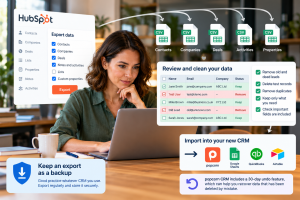
Action: Before buying, ask the provider how your current contacts, deals and pipeline will be moved across.
If possible, test a small import first.
09 · Support
9. What support and onboarding do you get?
Small businesses often need practical help more than advanced documentation.
Check what happens when you need support. Ask:
- Can you speak to someone?
- Is support UK-based?
- Is onboarding included?
- Will someone help set up the pipeline?
- Can they help with imports?
- Is support included in the subscription?
Good onboarding can make the difference between a CRM becoming part of the business and becoming another unused subscription.
Action: Ask exactly what happens after you sign up.
Do not assume onboarding means the same thing with every provider.
10 · Adoption
10. Will your team actually use it?
This is the final test.
A CRM can have excellent features, powerful automation and impressive reporting. None of that matters if people avoid using it.
Look at:
- how quickly people understand it
- whether information is easy to find
- whether everyday tasks are simple
- whether the system helps rather than interrupts
- whether the team wants to use it
Action: Let the people who will actually use the CRM try it before you make the final decision.
Their reaction matters.
The principle
Solve the problem first. Compare features second.
Start with: What is going wrong now?
Then ask: What does the CRM need to do to fix it?
Only then should you compare software.
That approach helps prevent feature overload, unnecessary complexity and a software bill that grows far beyond what the business actually needs.
Scorecard
A simple CRM comparison scorecard
Once you have defined the problems, score each CRM from 1 to 5 for:
| Criteria | Score |
|---|---|
| solving your main business problems | 1 to 5 |
| ease of use | 1 to 5 |
| sales pipeline | 1 to 5 |
| follow-ups and next actions | 1 to 5 |
| sales and marketing visibility | 1 to 5 |
| total cost | 1 to 5 |
| flexibility | 1 to 5 |
| integrations | 1 to 5 |
| migration | 1 to 5 |
| support and onboarding | 1 to 5 |
| likely team adoption | 1 to 5 |
The highest-scoring CRM is not necessarily the one with the longest feature list. It is the one that best fits your business.
popcorn CRM is designed specifically for small businesses that want CRM, sales and marketing activity joined together without the complexity of a much larger platform.
Paid popcorn plans include all dashboard, sales and marketing features, UK phone support and free onboarding.
The aim is to make it easier to choose based on the problems you need to solve rather than how many features can be squeezed onto a pricing page.
Summary
Quick checklist: choosing a HubSpot alternative
Before making a decision, ask:
- What problems do we actually need the CRM to solve?
- What does the CRM need to do to fix those problems?
- Can the team use it easily?
- Does it keep sales and marketing joined up?
- Does the pipeline fit our real sales process?
- Are follow-ups and next actions obvious?
- What will it really cost?
- Will we need additional software?
- Can we move our existing data in easily?
- What onboarding and support do we get?
- Will the team actually use it?
If you can answer those questions clearly, you are far more likely to choose the right CRM than if you simply compare feature lists.
Frequently asked questions
What should I look for in a HubSpot alternative?
Start with the problems you need the CRM to solve. Then compare ease of use, follow-ups, pipeline flexibility, joined-up sales and marketing, total cost, integrations, migration, onboarding and support. Avoid choosing purely on the number of features included, because a larger feature list does not necessarily make a CRM a better fit.
How do I choose the right CRM for a small business?
Write down the main problems you need the CRM to fix, such as missed follow-ups, poor pipeline visibility or disconnected customer information. Then test whether each CRM solves those problems simply. Also consider the real cost, ease of use, support and whether your team is likely to use the system consistently.
Should I compare CRM features before choosing?
Yes, but features should come second. First define what you need the CRM to achieve. Otherwise, it is easy to compare hundreds of functions you may never use and end up paying for unnecessary complexity. Once the problem is clear, compare only the features that genuinely help solve it.
Is a simpler CRM better than HubSpot for a small business?
It can be if your business does not need the broader HubSpot platform. A simpler CRM may be easier to use, quicker to adopt and less expensive. However, if your team actively uses HubSpot's wider functionality and it delivers clear value, HubSpot may still be the better choice.
What is the biggest mistake when choosing a CRM?
One of the biggest mistakes is starting with the software rather than the business problem. If you begin by comparing feature lists, demos and pricing tiers without deciding what the CRM needs to fix, you can easily buy functionality your team never uses. Start with the problem, then find the software that solves it.
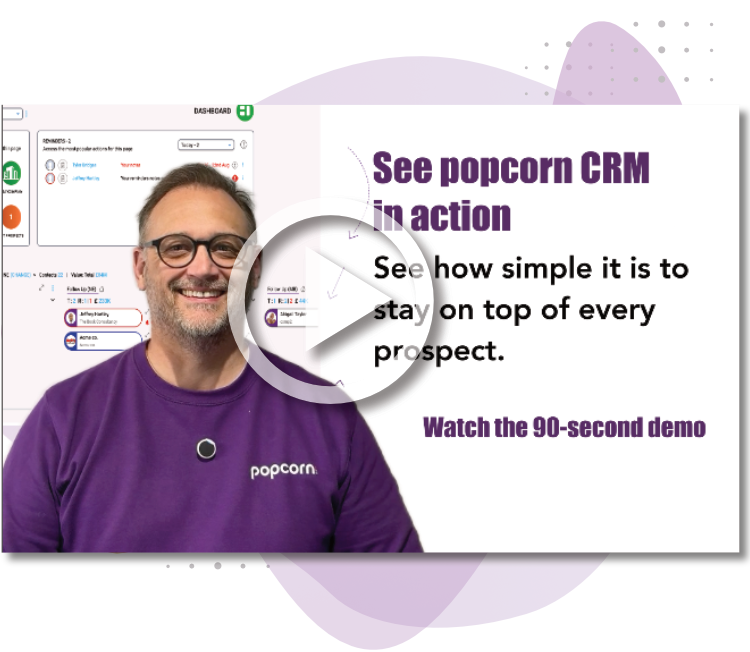
See popcorn in 90 seconds
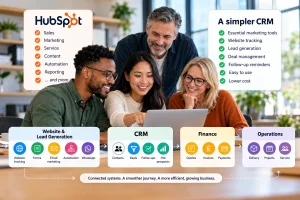
The Small Business Alternative to HubSpot
See how popcorn keeps your customer journey joined up, without the complexity or the HubSpot price tag.
No contracts · No setup costs · UK-based support