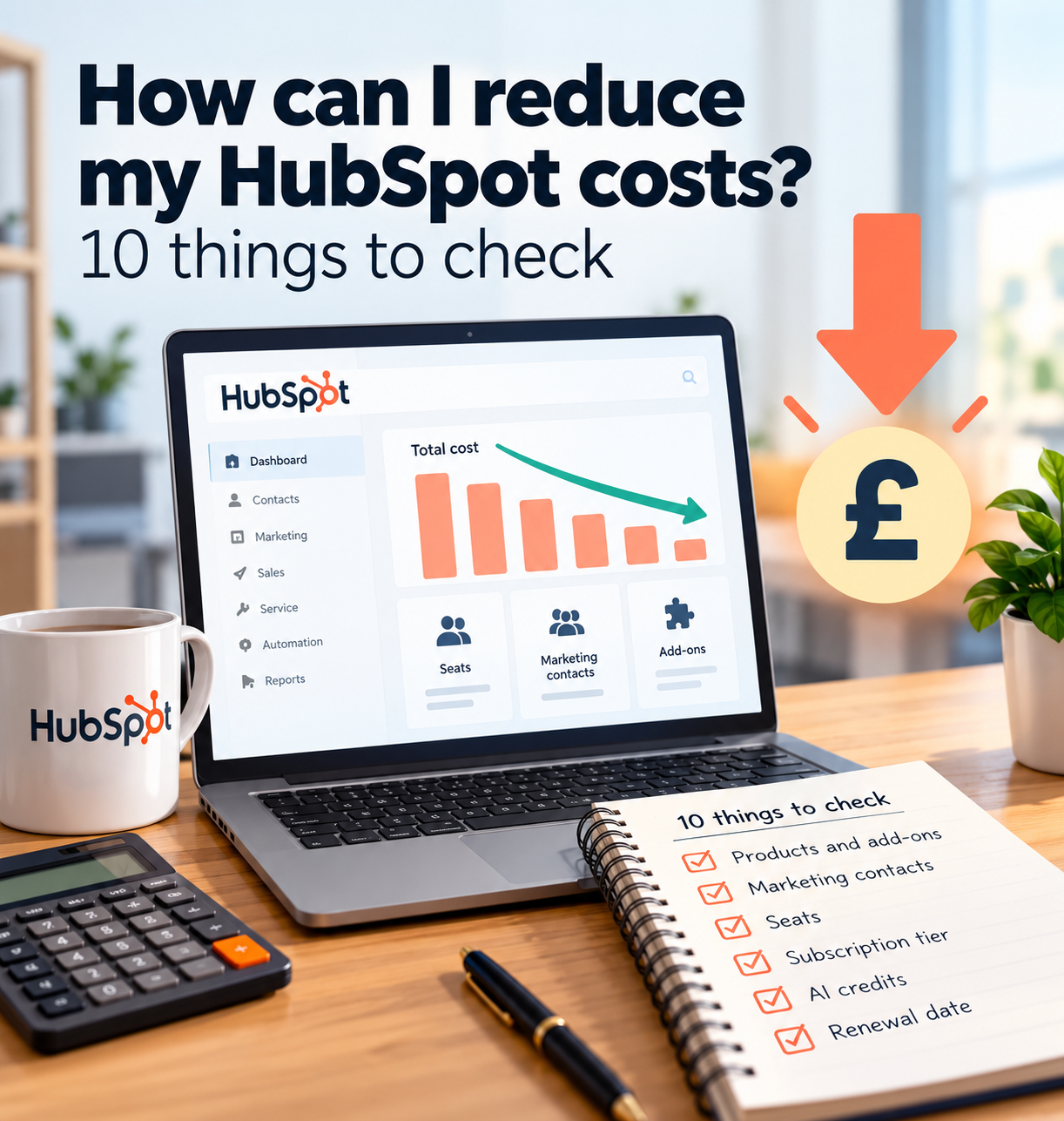
How can I reduce my HubSpot costs? 10 things to check
HubSpot can be a powerful platform, but the cost can grow as you add more users, marketing contacts, products, add-ons and advanced features.
Quick answer
The good news is that you may be able to reduce your HubSpot costs without leaving immediately. Start by checking what you are paying for, what your team actually uses, which costs can be reduced at renewal and whether a simpler CRM would give you the outcome you need for less.
- Review every Hub, add-on, seat and marketing contact on your bill.
- HubSpot downgrades take effect at renewal, so start 60 to 90 days before.
- Count the admin time HubSpot creates, not just the invoice.
- The biggest savings usually come from understanding what you actually use.
01 · Your bill
1. Check which HubSpot Hubs and add-ons you actually use
Start with the basics. Write down every HubSpot Hub, paid product, add-on and extra capacity you are currently paying for.
Then separate them into three groups:
Essential
Useful
Not really used
This sounds simple, but it is one of the quickest ways to spot unnecessary spend.
If you cannot clearly explain who uses a paid feature and why it matters, it is worth reviewing.
Action: Create a list of everything on your HubSpot bill. For each item, ask:
- Who uses it?
- How often?
- What business problem does it solve?
- Would we buy it again today?
If the answer to the last question is no, put it on your review list.
02 · Contacts
2. Review your marketing contacts and contact tier
Marketing contacts can have a big impact on HubSpot costs. Not every contact in your CRM necessarily needs to be a marketing contact.
Old customers, suppliers, partners, dead leads and contacts you are not actively marketing to may not need to sit inside your paid marketing contact allowance.
It is also worth checking how close you are to the next contact tier. Moving into a higher tier can increase your subscription cost, so this is an area worth monitoring regularly.
Action: Review your marketing contacts and ask:
- Are we actively marketing to this person?
- Is this contact still relevant?
- Are there duplicates?
- Are old or inactive records still marked as marketing contacts?
- Are we close to the next contact tier?
Keeping this tidy can help prevent unnecessary increases.
03 · Seats
3. Check how many paid seats you really need
Teams change. People leave, roles change and some users may only need occasional access.
That can leave businesses paying for seats that are no longer providing much value.
Review every paid user and check what they actually need to do inside HubSpot.
Action: Compare your paid seats with your current team. Look for:
- former employees
- duplicate users
- people who rarely log in
- users who only need limited access
- roles that no longer exist
If a paid seat is no longer needed, make sure it is included in your renewal review.
04 · Tier
4. Check whether you still need your current subscription tier
Higher HubSpot tiers can provide more automation, reporting, control and advanced functionality.
But the question is not whether those features are useful. The question is whether your business is actually using them enough to justify the cost.
A higher tier may have made sense when you signed up, but your needs may have changed.
Action: Create two lists:
Then ask: If we downgraded, which three features would we genuinely miss?
If that is difficult to answer, your current tier deserves a closer look.
05 · AI and credits
5. Check your AI and HubSpot Credits usage
HubSpot Credits are used across certain AI-powered features and services.
If your account uses credits, it is worth checking whether that usage is intentional and whether the features consuming them are actually creating value.
Extra credit usage can become another layer of cost if it is not monitored.
Action: Review:
- which tools are consuming credits
- how often they are being used
- who is using them
- whether the output is genuinely useful
- whether any spending controls or limits need adjusting
The goal is not to avoid AI features. It is to make sure you know what you are paying for.
06 · Extras
6. Remove add-ons and extra capacity you no longer need
Costs can build up gradually.
You may have added extra capacity, additional contacts, extra seats or optional add-ons at different points without ever reviewing them together.
Individually they may not look significant. Together they can make a noticeable difference to the monthly or annual cost.
Action: For every extra item on the account, ask: Would we choose to add this again today?
If not, include it in your renewal review.
07 · Admin time
7. Review which features are creating the most admin
The true cost of CRM software is not only the invoice. There is also the time your team spends maintaining it.
That can include:
- building workflows
- fixing workflows
- managing lists
- updating reports
- cleaning data
- checking automation
- changing permissions
- maintaining integrations
- training users
For a larger business, that administration may be expected. For a small business, it can become a significant hidden cost.
Action: Estimate how many hours your team spends each month maintaining HubSpot.
Then ask: Is the value we get back worth both the subscription cost and the time we spend managing it?
08 · Renewal
8. Start your cost review 60 to 90 days before renewal
Do not wait until the week your contract renews.
If you want to reduce seats, change tiers, remove capacity or compare alternatives, you need time to make a proper decision.
Starting 60 to 90 days before renewal gives you room to:
-
Review usage
-
Understand your current costs
-
Identify what can be reduced
-
Compare alternative systems
-
Plan any migration
-
Speak to HubSpot about your options
Action: Find your renewal date and put a reminder in your calendar 60 to 90 days beforehand.
Treat it as an annual software review rather than simply letting the subscription roll over.
09 · Your software
9. Compare one big platform with simpler connected tools
A small business does not necessarily need one large platform to run everything.
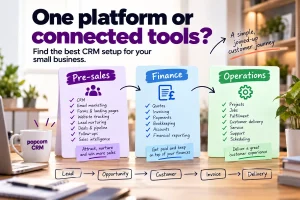
A useful way to think about your software is in three areas:
Pre-sales
This covers things like:
- CRM
- leads
- sales pipelines
- follow-ups
- email marketing
- forms
- landing pages
- website tracking
- quotes and proposals
Finance
This covers things like:
- invoicing
- bookkeeping
- expenses
- payments
- VAT
- financial reporting
Operations
This covers things like:
- project management
- jobs
- stock
- scheduling
- customer support
- delivery
- team management
For many small businesses, choosing the right tool for each area and connecting them can be simpler and more cost-effective than using one large platform for everything.
Action: List your current software under Pre-sales, Finance and Operations.
Then ask: Are we paying for one platform to do things that another tool already does better or more simply?
10 · Alternatives
10. Compare HubSpot with a simpler CRM built for small business
After reviewing your costs, you may decide HubSpot is still worth it. That is absolutely fine.
If you use the features, your team understands the system and the platform is delivering value, there may be no reason to change.
But if you are paying for complexity you do not need, it is worth comparing HubSpot with a simpler CRM.
The key question is: Which system gives us what we actually need at a cost that makes sense?
popcorn CRM is designed for small businesses that want CRM, sales and marketing joined up without the complexity of a larger platform.
The paid CRM plan is £59 a month for one user, with all dashboard, sales and marketing features included. A three-user team pays £99 a month, excluding VAT.
So if you are questioning your HubSpot bill, compare the cost against what your team actually needs rather than simply renewing the same setup.
Summary
Quick checklist: how to reduce HubSpot costs
Check:
- Which Hubs and add-ons are you paying for?
- How many marketing contacts do you really need?
- Are you close to the next contact tier?
- How many paid seats do you actually use?
- Do you still need your current subscription tier?
- What is consuming HubSpot Credits?
- Are you paying for extra capacity you no longer need?
- How much admin time does HubSpot create?
- When does your contract renew?
- Would a simpler CRM or connected software setup cost less?
Frequently asked questions
How can I reduce my HubSpot costs?
Start by reviewing your HubSpot Hubs, paid seats, marketing contacts, add-ons, subscription tier and HubSpot Credits usage. Remove or reduce anything your team no longer needs where your contract allows it. Review the account well before renewal so you have time to downgrade, reduce capacity or compare alternative CRM systems if the cost is still too high.
Do non-marketing contacts cost money in HubSpot?
HubSpot says non-marketing contacts do not count towards your marketing contact tier and you are not billed for them as marketing contacts. Businesses using Marketing Hub should regularly review which contacts genuinely need to be marked as marketing contacts, especially as exceeding the current marketing contact tier can increase subscription costs.
Can I downgrade HubSpot during my contract?
HubSpot says mid-contract downgrades are not permitted. A downgrade, such as moving to a lower tier or reducing seats, marketing contacts or HubSpot Credits capacity, normally takes effect on the subscription renewal date. That is why it is important to start reviewing the account well before renewal.
What happens if I exceed my HubSpot marketing contact limit?
HubSpot says that if you exceed your current marketing contact tier, the account can be upgraded to the next contact tier. That can increase subscription cost, so businesses should monitor marketing-contact usage and regularly review which contacts genuinely need to remain marked as marketing contacts.
When should I review my HubSpot subscription before renewal?
Do not leave the review until the last minute. For a small business, starting 60 to 90 days before renewal is more practical because it gives you time to assess usage, compare alternatives, reduce unnecessary costs and plan any migration before the next commitment begins.
Sources
See popcorn in 90 seconds
The Small Business Alternative to HubSpot
See how popcorn keeps your customer journey joined up, without the complexity or the HubSpot price tag.
No contracts · No setup costs · UK-based support